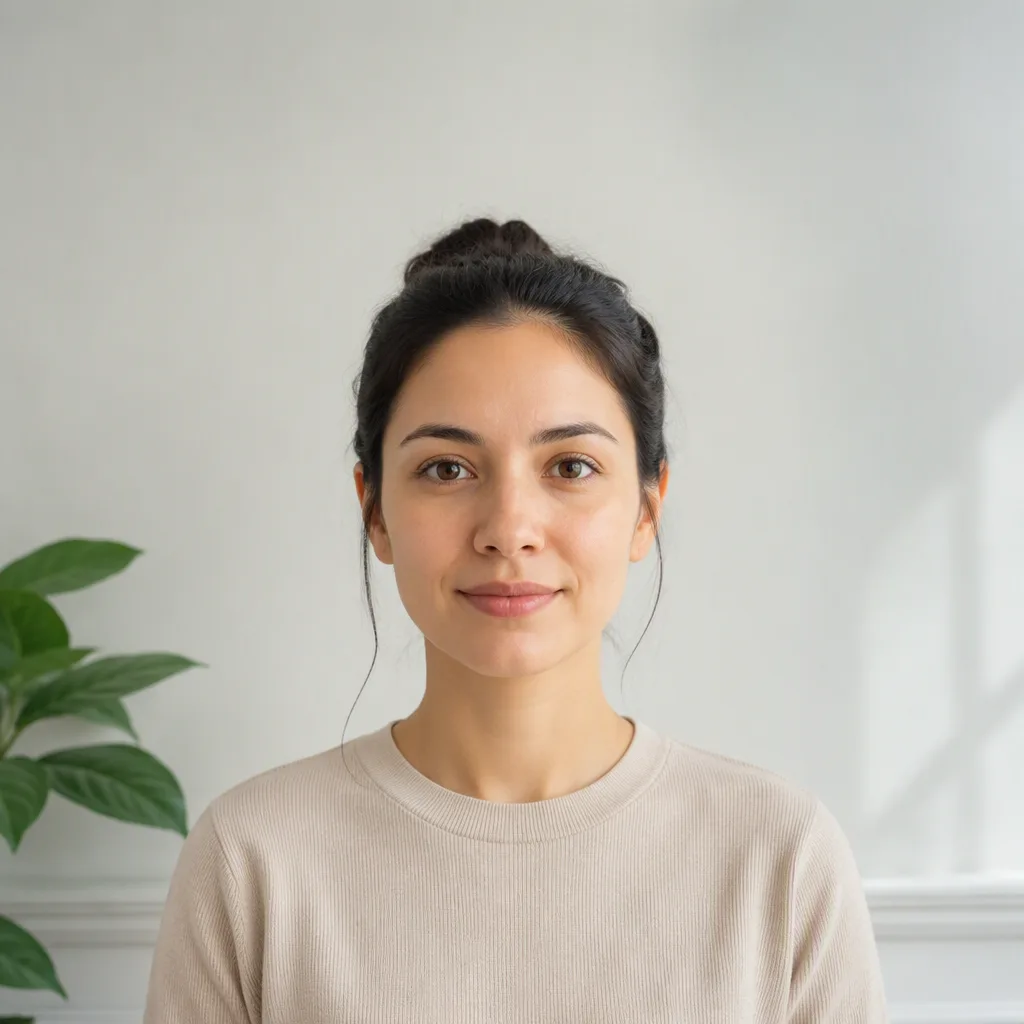
Room to crop
A wider source photo leaves space for head and shoulder alignment.
4.5×3.5 cm paper, or 2×2 in at some embassies
Free watermarked preview. Optional HD download uses 1 credit.
Upload or drag a selfie
JPG, PNG or WebP · front-facing photo
No image? Try one of these
Quick answer
Official rule: In India, non-PSK paper: 4.5 cm long × 3.5 cm wide. PSK/POPSK: no pasted photo. Some embassies: 2×2 in (51×51 mm). Fogkits currently exports 51×51 mm (600×600px JPEG at 300 DPI) and the processor targets a head height of 50–69% of the frame. Those are not the same number when the gap column says they differ.
The issuing authority may apply different file or submission rules for online and paper applications. Use the official source at the end of this page as the final check.
Indian passport photo size depends on the channel. Passport Seva does not require a pasted photograph at a PSK or POPSK. Other collection centres use one colour photo, 4.5 cm long by 3.5 cm wide, on plain white, with dark clothing. Embassy pages checked on 22 September 2026, including the Netherlands and Argentina, still ask for 2×2 inches (51×51 mm), with the face about 70–80% of the frame. Fogkits’ preset exports 51×51 mm at a 50–69% head target, so it matches the embassy print size only.
A larger visual example beside the requirements, separate from the upload samples.
Checked 2026-09-22
The official column is the issuing authority’s rule for that channel. The Fogkits column is only what this site exports today. Where they differ, do not treat the download as the official file.
| Country | Official size | Head | Background | Fogkits export now | Gap |
|---|---|---|---|---|---|
| United States | 2 × 2 inches (51 × 51 mm) | 1–1 3/8 inches (25–35 mm), chin to crown | White or off-white | 51×51 mm, 600×600 px, plain white, 300 DPI | Printed size matches the current preset. The photo still must not be altered with software, filters or AI. |
| United Kingdom | Printed: 45 mm high × 35 mm wide. Digital: at least 600×750 px, 50KB–10MB | Printed: 29–34 mm from chin to crown | Printed: plain cream or light grey. Digital: plain light-coloured | 35×45 mm, 413×531 px, light grey or cream, 300 DPI; processor head target 50–69% | 413×531 px matches the printed millimetres at 300 DPI, but it is below the digital minimum. The 50–69% head target is not the printed 29–34 mm. |
| India | In India, non-PSK paper: 4.5 cm long × 3.5 cm wide. PSK/POPSK: no pasted photo. Some embassies: 2×2 in (51×51 mm) | Embassy pages: face about 70–80%. Booklet: centred full face, both ears visible | Booklet paper photo: plain white, dark clothing. Embassy 2×2: white or off-white | 51×51 mm, 600×600 px, plain white, 300 DPI; head target 50–69% | The square matches checked embassy 2×2 pages, not the booklet’s 4.5×3.5 cm paper photo. 50–69% is below the embassy 70–80% face proportion. |
Checked on 22 September 2026: the Passport Seva booklet, the Embassy of India in the Netherlands, and the Embassy of India in Argentina. The old OCI photo-spec PDF on passport.gov.in returns 404, so it is not used as a source. Online-upload pixel sizes such as 630×810 are not in these three sources, so this page does not treat them as official.
How it works
Use a sharp, front-facing image with your full head visible. Even lighting helps prevent face and background shadows.
Fogkits detects your face, checks the pose, removes the original background and crops to the 51×51 mm preset.
Review the free watermarked preview and compare the result with the latest issuing-authority guidance before downloading.
Before you upload
A good source image makes the automated crop more reliable and reduces the chance that you need to retake the photo.
Keep both eyes visible and look straight ahead. Avoid turning or tilting your head.
Light your face from the front and check for hard shadows across your face or the wall.
Include your full head and shoulders. Do not submit an image that is already cropped too tightly.
Use a clear JPG, PNG or WebP. Avoid screenshots, beauty filters and heavily compressed copies.
These values drive Fogkits' current crop and export. They are not a second copy of the official rules when the comparison table shows a gap.
If the preview flags a problem, retake the source photo instead of trying to hide it with heavy edits.
What Fogkits does
Fogkits looks for a visible face, a front-facing pose, a reasonably level head and enough subject size to create the crop.
The processing pipeline separates the subject and composes the photo on the plain white background used by this preset.
The result is aligned and exported as a 600×600px JPEG. Review the preview before downloading.
Real processing examples
This example was processed with the same India preset used by the tool on this page. Fogkits finds the face, removes the background and creates a centered 600×600 output. You still review expression and country-specific rules before submitting.
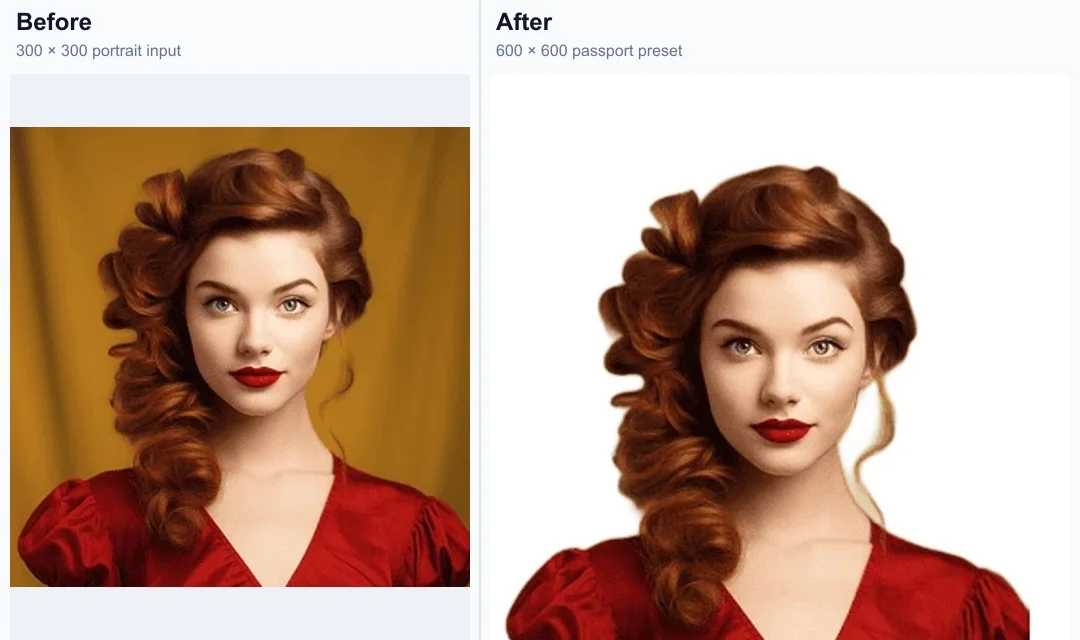
This example is the current 600×600 preset. It matches checked embassy 2×2 pages, not the booklet’s 4.5 cm by 3.5 cm paper photo, and its head target is 50–69% rather than 70–80%.
A wider source photo leaves space for head and shoulder alignment.
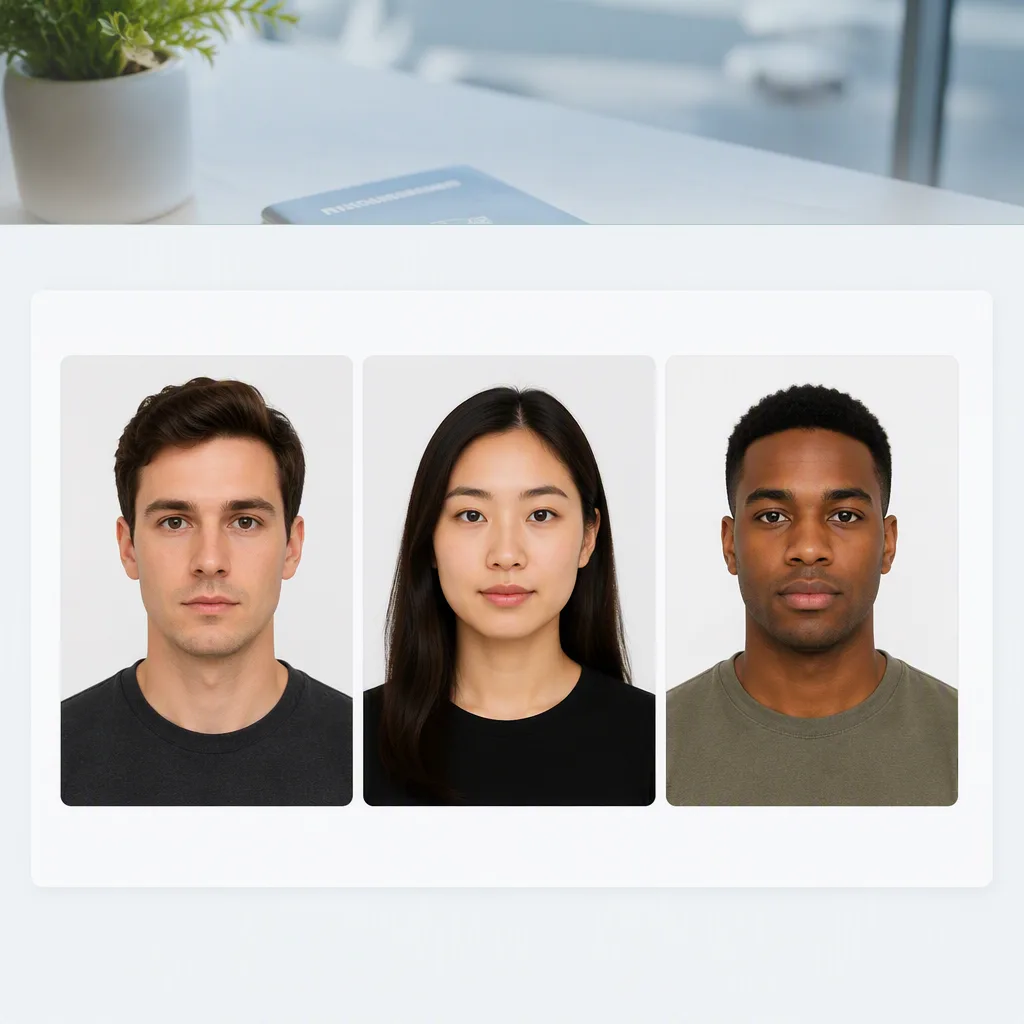
Front-facing pose and even light make the preview easier to judge.
51x51 mm output with the configured plain white background.
Know the limits
Fogkits checks measurable image features and prepares the selected crop. It cannot review your identity documents, application details or every rule used by an issuing officer.
It depends where you apply. For paper forms at a DPC, SPC or CSC, the Passport Seva booklet says 4.5 cm long by 3.5 cm wide. PSK and POPSK do not require a pasted photograph. The Embassy of India in the Netherlands asks for 2×2 inches (51×51 mm), and the Embassy in Argentina also says 2×2 inches. Fogkits currently exports 51×51 mm.
The booklet’s paper photo uses a plain white background and dark clothing. The Netherlands embassy page says plain white or off-white for its 2×2 photo. Follow the office that will receive the application.
Not for the booklet’s paper photo: it says a photograph in uniform will not be accepted. Embassy checklists can add their own clothing rules.
Sometimes. Checked embassy pages use 2×2 inches, with the face about 70–80% of the photo. The Passport Seva booklet’s non-PSK paper photo is 4.5 cm long by 3.5 cm wide, not 2×2. Fogkits exports the square, but its 50–69% head target is not the 70–80% embassy proportion.
Upload a clear, front-facing JPG, PNG or WebP image. Fogkits checks the pose, removes the background and crops the result to its 51×51 mm India preset.
Yes. The watermarked preview is free. Optional HD JPEG download uses 1 credit.
Follow the issue shown in the result and take a new photo. Face the camera directly, keep your head level, move closer if your face is too small and use even lighting.
No. Fogkits checks the face, pose and crop, but it does not automatically judge expression rules. The issuing authority makes the final decision, so compare the preview with the latest official guidance before submitting it.
Upload and preview for free. Use 1 credit only if you want the final HD file.
Explore presets
Source: Passport Seva application form instruction booklet (V3.0). Last checked 2026-09-22. Requirements can change and may differ between online and paper applications.
Fogkits helps prepare your image but is not affiliated with the issuing authority and cannot guarantee acceptance.