Exact country size presets
US, UK and India presets publish the millimetres and pixels Fogkits exports. Country pages separate those presets from the official rule when they differ.
Free preview · Country presets · 1 credit for HD
Upload a selfie and Fogkits checks your pose, removes the background and crops the image to your country's passport photo size. Specs are shown per country. The preview is free; optional HD download uses 1 credit.
Free watermarked preview. Optional HD download uses 1 credit.
Upload or drag a selfie
JPG, PNG or WebP · front-facing photo
No image? Try one of these
Specs shown upfront
Each country page shows the exact size, background and head-height preset Fogkits uses, plus a link to the official source — so you know the rules before you upload.
For size-specific guidance, see the 2×2 inch photo guide or 35×45 mm photo guide. For US permanent resident applications, read the green card photo guide and check your USCIS form instructions. A matching size alone does not establish compliance.
35×45 mm · plain light grey or cream background · 300 DPI
View requirementsWhy choose Fogkits
Built like a careful ID photo workflow: show the spec, preview free, then decide on HD.
US, UK and India presets publish the millimetres and pixels Fogkits exports. Country pages separate those presets from the official rule when they differ.
Country pages list size, background and head-height guidance up front — similar to choosing a document type first.
Fogkits standardizes pose and background without inventing a different face. Biometric checks care about identity.
Check crop and background before spending a credit. Optional HD is unmarked when you are ready.
A clear front-facing phone photo with head and shoulders is enough to start — no studio appointment for a first preview.
We help with common size and pose rules, then remind you to compare with the latest official guidance before submitting.
Example results
These samples show country crops, source-photo guidance and checklist visuals — not invented acceptance rates.
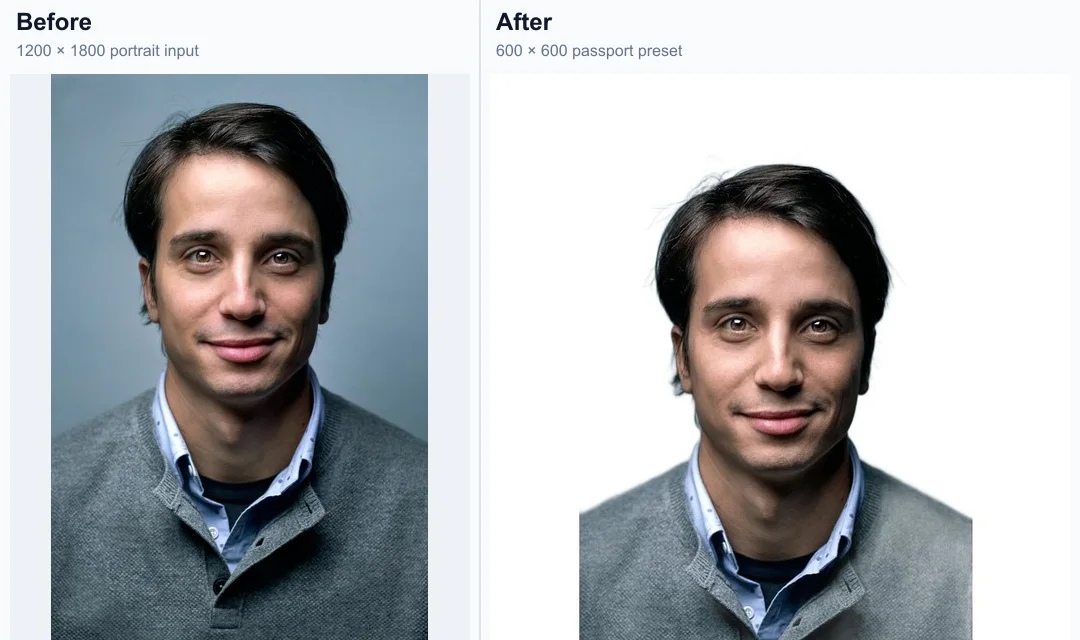
Keep facial detail while centering the crop automatically.
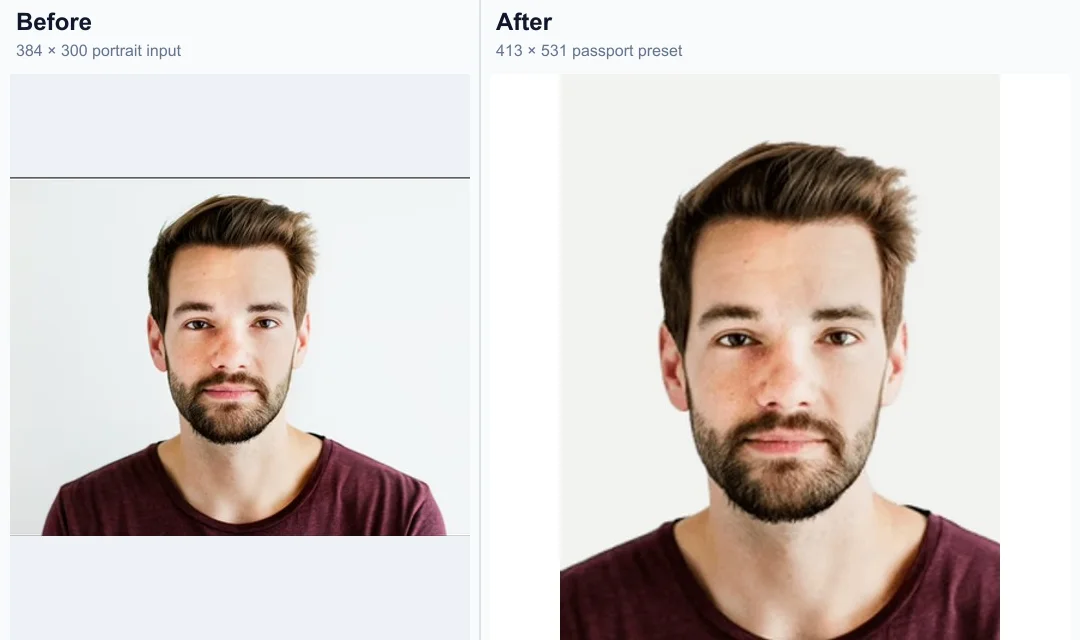
Prepare a reviewable preview for the selected country size.
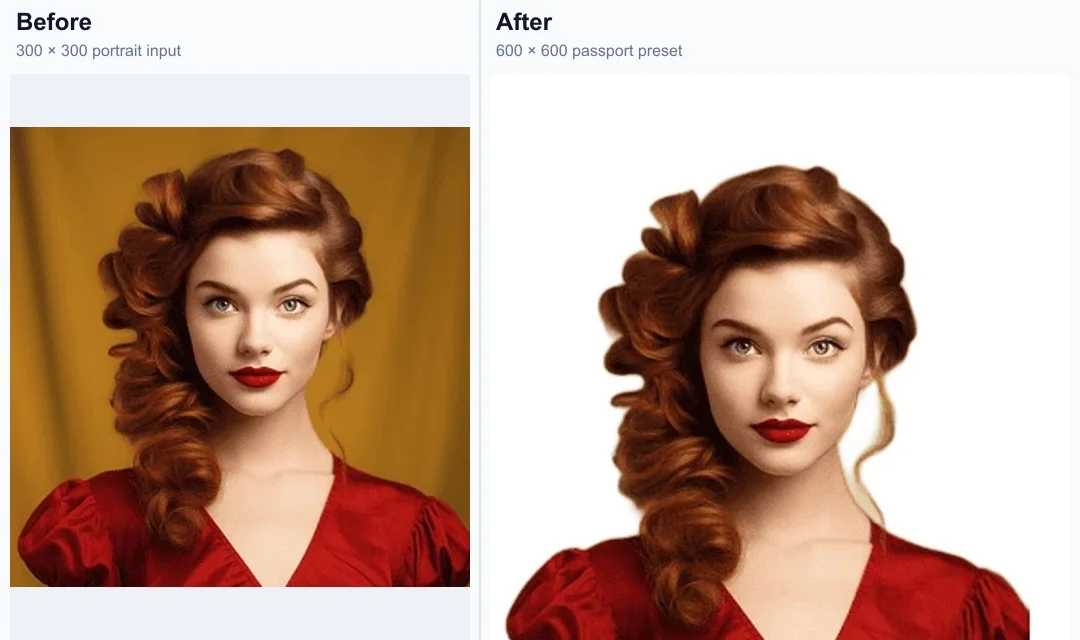
Switch country presets and review the matching ratio quickly.
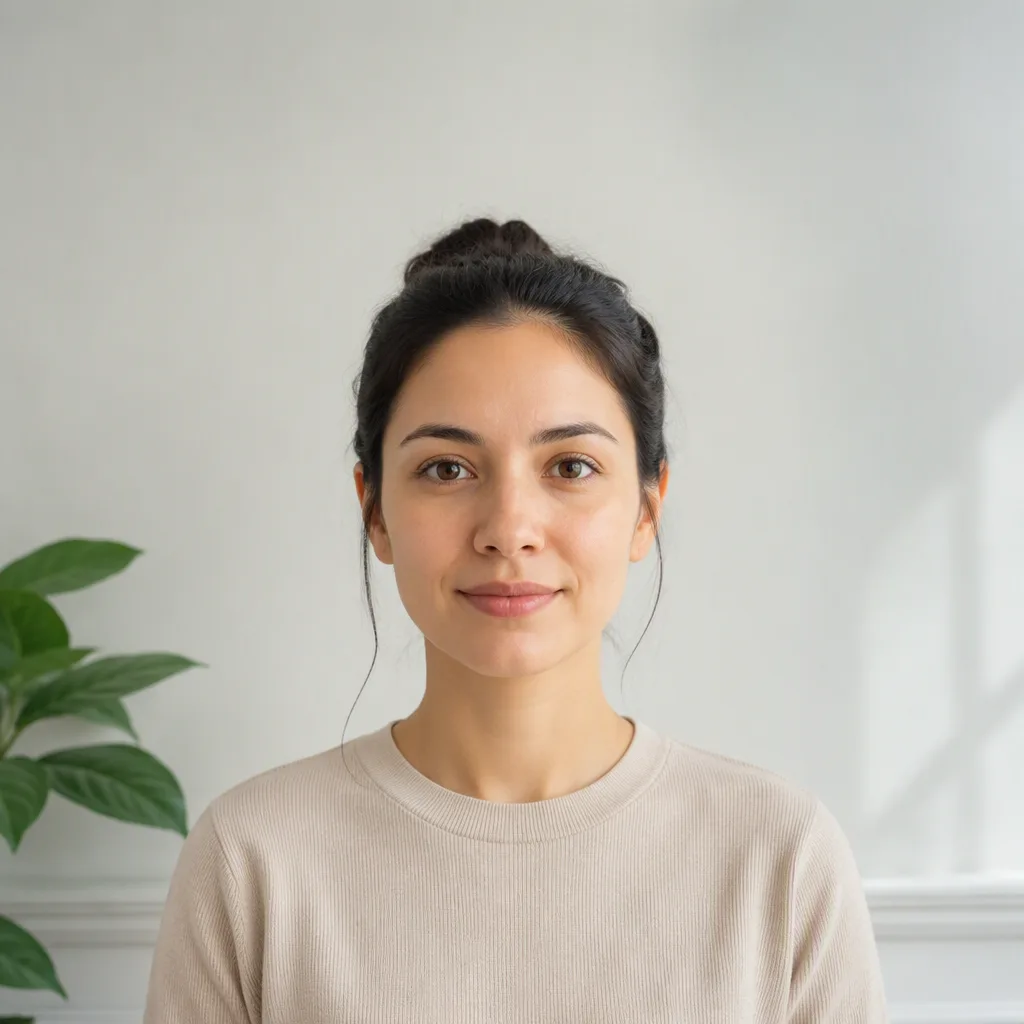
Leave head and shoulder room so the final crop has space to align.
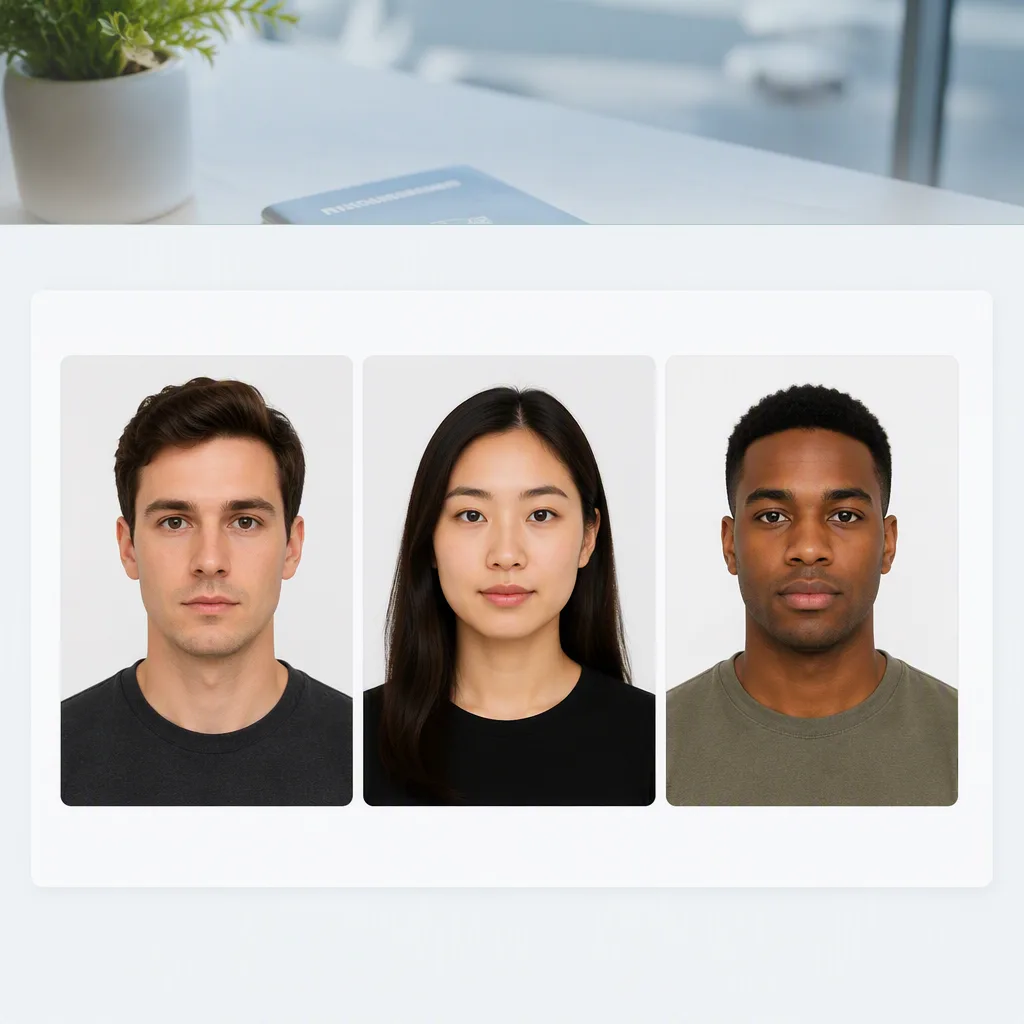
Make pose, lighting and plain-background expectations easier to scan.
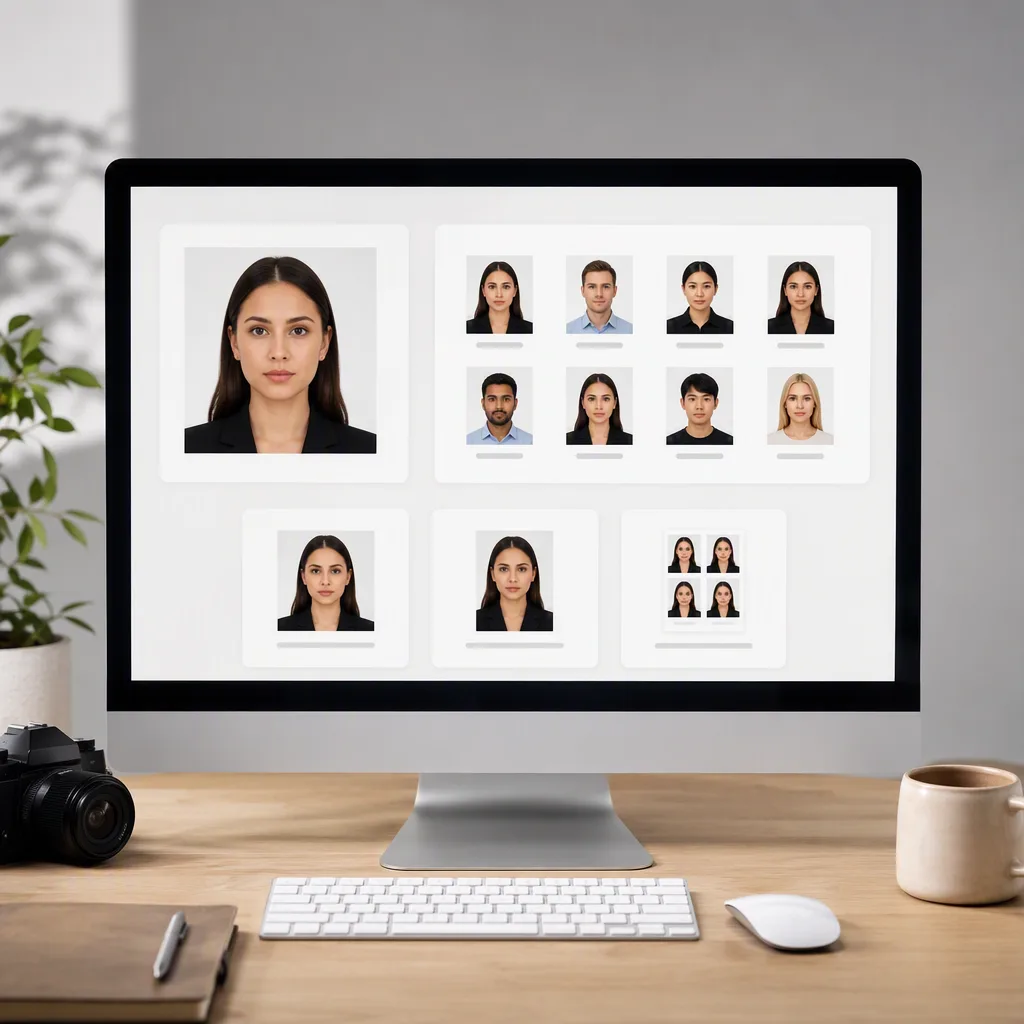
Show that different document sizes can be previewed before download.
Use cases
Same careful size-and-background flow for passports, visas and renewals.
Passport
Turn a simple selfie into a size-checked preview for your country — then download HD with 1 credit if the crop looks right.
Visa
US, UK and India presets keep millimetre size and background rules visible so you are not guessing in a booth queue.
Family
Share the free watermarked preview so a partner or parent can double-check pose before you spend a credit.
How to use
Pick the document size first, then upload, preview free, and download HD only if needed.
01
Choose US, UK or India on the country cards below. Each page shows size, background and DPI before you upload.
02
Use a sharp, front-facing image with head and shoulders visible and even lighting — a recent phone photo usually works.
03
Fogkits checks pose, replaces the background and crops to the preset. Inspect the watermarked preview for free.
04
Optional unmarked HD uses 1 credit. Compare with official guidance before you submit an application.
Pick a country size, upload a selfie and review the watermarked result before you spend a credit.
What Users Say
Invented examples that match real product limits — free preview, credits for HD, country sizes.
“I checked the free watermarked preview against the US size guide before buying a credit. Saved me from downloading a photo with my chin cut off.”

Maya Chen
US visa applicant
“The UK country page made the millimetre size obvious. I still double-checked the official site, but the crop looked right in the preview.”

James Okonkwo
UK passport renewal
“Used a phone selfie for an India passport size trial. Background cleanup was good enough to decide the 1-credit HD download was worth it.”

Priya Sharma
India passport photo
Most passport photos need a sharp, front-facing shot with a neutral expression, both eyes open, even lighting and a plain light background. Exact size and background differ by country — open your country page for the specific preset and official source.
Yes. You can upload a photo and review a watermarked, size-checked preview for free. The optional HD file uses 1 credit — you only pay if the preview looks right.
Fogkits currently has dedicated presets and requirements pages for the United States, United Kingdom and India. Always compare the result with the latest official guidance before submitting.
Yes. Start from a clear, front-facing phone photo with your full head and shoulders visible. Fogkits detects the face, removes the background and crops to the selected country preset.
The free preview is watermarked so you can check pose, crop and background before spending a credit. Government applications usually need an unmarked HD file — download that only after the preview looks correct.
No tool can guarantee acceptance. Fogkits helps you match common size, background and pose checks, but you should still compare the result with the latest official guidance for your country before you submit.
Free background remover online. Preview a transparent PNG or white backdrop in seconds; optional HD download uses 1 credit.
Open toolCircle crop a photo into a round avatar PNG in your browser. Free, no upload — transparent edges by default.
Open toolFree image splitter in your browser. Cut a photo in half, into 2×2 or 3×3, or any rows and columns. Preview the grid, then download numbered tiles as a ZIP. Nothing is uploaded.
Open tool